The New User's Guide to X Lists, Circles, and Feeds
The New User's Guide to X Lists, Circles, and Feeds
𝕏 has more organization features than most users ever discover. Understanding them transforms your experience from overwhelming noise to curated value.
This guide covers everything you need to know about organizing your 𝕏 experience, from the feeds you see to the tools for filtering content.
The Two Feeds: Following vs. For You
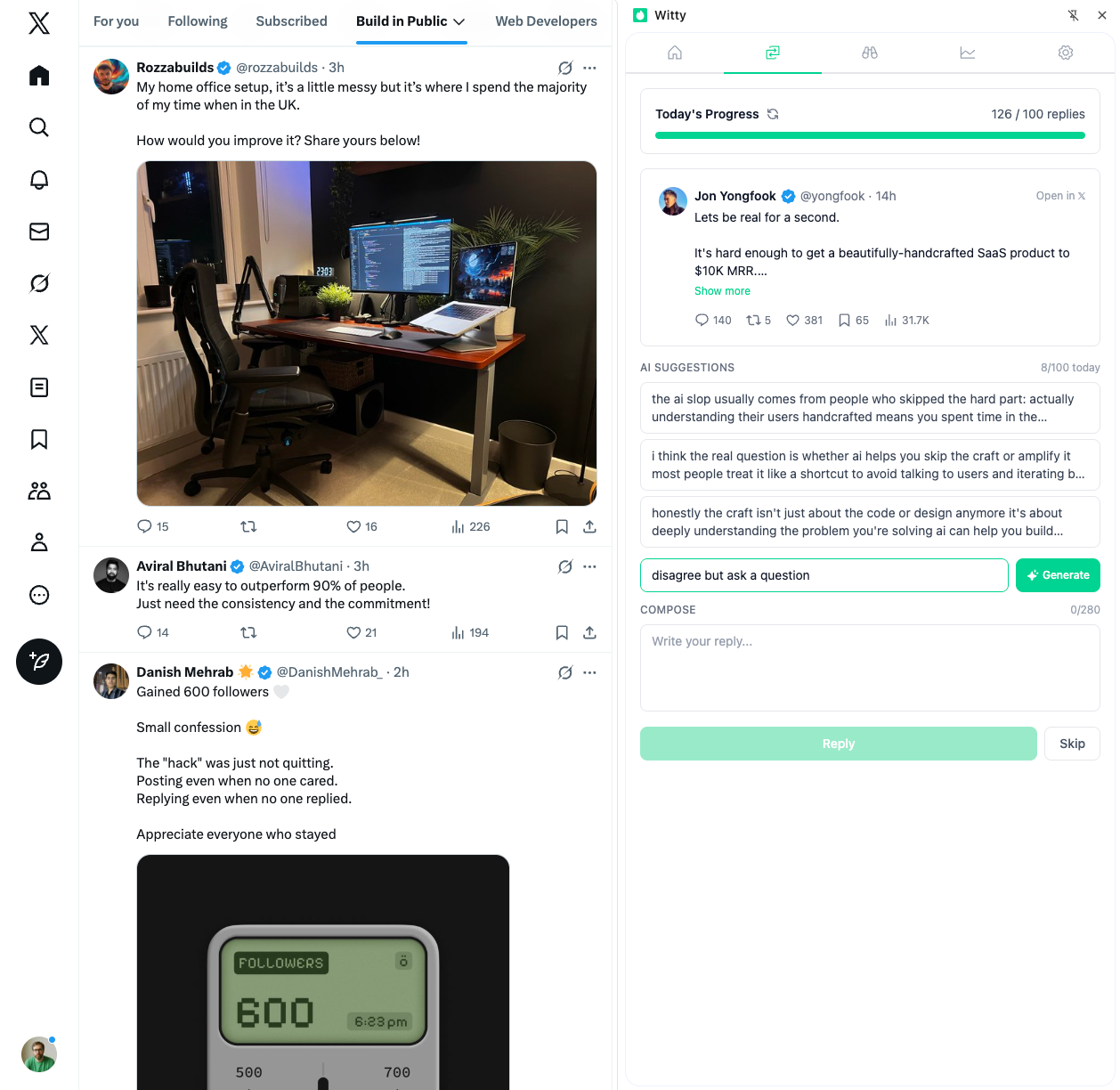
When you open 𝕏, you'll see two feed tabs at the top.
The Following Feed
Shows content from accounts you follow in mostly chronological order. This feed works best for catching up on specific accounts, following real-time events and breaking news, and seeing predictable content from people you chose.
As of late 2025, the Following feed is now ranked by AI based on predicted engagement and relevance. You can access a purely chronological view in settings.
The For You Feed
A mix of content from followed accounts and algorithmic recommendations. This feed works best for discovery and new perspectives, trending content in your interests, and finding accounts you might want to follow.
The algorithm processes roughly 5 billion feed recommendations daily. Half the content comes from accounts you follow; half comes from recommendations based on your behavior.
How the Algorithm Decides What You See
Understanding the algorithm helps you work with it rather than against it.
Stage 1: Candidate Collection
The algorithm collects approximately 1,500 potential posts for each user,50% from accounts you follow, 50% from recommended accounts.
Stage 2: Ranking
Machine learning scores and ranks posts based on multiple factors. Engagement signals like likes, replies, reposts, and shares carry significant weight. Recency matters because fresh content gets higher baseline scores. Rich media including videos, images, GIFs, and polls are favored. Account credibility factors in verification status, follower ratio, and account history. And your personal relevance signals shape results based on past interactions, topic interests, and location.
Stage 3: Filtering
The algorithm removes content from muted and blocked accounts, limits posts from single authors, balances variety, and delivers your personalized feed in about 1.5 seconds.
What This Means for You
Early engagement matters enormously. The first 30 minutes determine whether a post gets distributed widely or dies quietly. Replies are valued more than likes. Native content (no external links) typically performs better.
Lists: Your Secret Weapon
Lists let you create curated feeds that bypass your main timeline entirely.
Creating a List
On mobile, tap your profile icon and select Lists. Tap Create new List, give it a name and description, and choose whether it should be public or private. Then add members by searching for accounts.
On desktop, click More in the left navigation and select Lists. Click Create List, configure the settings, and add members.
List Limits
You can create up to 1,000 lists per account and add up to 5,000 accounts per list. You don't need to follow someone to add them to a list.
Public vs. Private
Public lists: Anyone can see and subscribe. Users are notified when added. Good for showcasing your network.
Private lists: Only you can see them. No notification sent. Good for competitor monitoring and prospect research.
Essential Lists to Create
Start with a Must-Read list containing 10-15 accounts you never want to miss. Create an Industry News list for journalists and publications in your field. Build a private Competitors list to track competitors without them knowing. And set up an Engagement Targets list for accounts you want to build relationships with. Learn more about building strategic watchlists.
What Happened to Circles?
𝕏 Circles was discontinued in October 2023.
The feature let you share posts with a limited, selected audience,similar to Instagram's "Close Friends." It was removed after privacy bugs caused Circle posts to appear on public For You timelines.
If you need limited sharing, consider using a private or protected account. Group DMs work well for private conversations. Other platforms like Instagram offer Close Friends features for this purpose.
Muting: Your Noise Filter
Muting hides posts containing specific words, phrases, usernames, emojis, or hashtags.
How to Access
Settings > Privacy and Safety > Mute and Block > Muted Words
Duration Options
Choose 24 hours for event spoilers and breaking news. Use 7 days for short-term trending topics. Select 30 days for seasonal content. Choose forever for permanent filters.
What to Mute
Consider muting TV show and movie spoiler terms, sports events you're not watching, political terms during heated cycles, crypto spam phrases, and trending hashtags you don't care about.
Limitations
Muting has its boundaries. It doesn't filter images or screenshots containing muted words. Quoted posts may bypass filters. And the system doesn't evaluate context or sentiment, so it can't distinguish between someone criticizing a topic and someone promoting it.
Following Topics
The Topics feature on 𝕏 lets you follow interest areas for personalized content.
How It Works
When you follow a topic, 𝕏 shows related tweets from accounts you don't follow. You can follow 300+ topics.
How to Access
Settings > Privacy and Safety > Content You See > Topics
Or tap "Follow" on suggested topic prompts in your feed.
Managing Topics
Select "Not Interested" to permanently remove topic suggestions from your feed. Unfollowing a topic reduces but may not eliminate related content, since the algorithm considers multiple signals. Be aware that topics you follow are publicly visible on your profile.
Best Practices for New Users
Start Smart
Follow strategically by beginning with 50-100 accounts in your areas of interest. Create foundational lists for Must-Read accounts, Industry News, and Inspiration. Follow 10-20 relevant topics to help the algorithm understand your interests. Set up muted words proactively before noise becomes a problem.
Posting Guidelines
Aim for 1-5 posts per day. Weekdays between 8 AM and 2 PM tend to perform best, though this varies by audience. The first 30 minutes after posting determine visibility, so timing matters. Use 1-3 hashtags maximum. Prioritize native content over external links, which the algorithm deprioritizes.
The 80/20 Rule
Keep 80% of your content value-adding, whether that's educational, entertaining, or helpful. Reserve just 20% for self-promotion or brand content.
Common Mistakes to Avoid
Following too many accounts: Timeline becomes impossible to manage. Keep it under 500-1,000 initially.
Ignoring lists: Missing important content in a crowded timeline.
Making all lists public: Competitors know you're tracking them.
Not using muted words: Timeline filled with unwanted content.
Only using For You: Missing time-sensitive content from followed accounts.
Only broadcasting: 𝕏 is social,engagement matters as much as posting.
Your First Week Setup
On day one, complete your profile with a bio, photo, and header. Use our profile optimization checklist to ensure you're set up for success. Follow 50 accounts in your niche and create three basic lists.
During days two and three, follow 10-15 relevant topics. Set up muted words for common noise. Pin your most important list for easy access.
From days four through seven, establish a daily routine for checking your lists. Begin engaging with replies, not just likes. Post your first few pieces of content.
The accounts that succeed on 𝕏 aren't the ones who try to see everything. They're the ones who curate their experience so every minute on the platform delivers value.
Set up your organization system now. Future you will thank present you.
Related Articles

A Founder's Guide to Consistency on X
75.5% of content creators experience stress or anxiety from the pressure to post frequently. For founders juggling product development, fundraising, and hiring, that pressure compounds. Here's how to stay consistent without losing your mind or your startup.
7 min read
A Weekly Review Ritual for X Growth
Most people post, hope for engagement, and move on without looking back. That's not strategy. That's gambling. One practitioner turned 500 followers into 5,000 in six months by watching and acting on their data. A weekly review takes 30-60 minutes and compounds dramatically over time.
8 min read
Building in Public on X: What to Share (and What Not To)
Building in public has become one of the most effective growth strategies on X when done right. Share too little and you're just another account. Share too much and you'll overshare yourself into irrelevance or worse. The trick isn't radical transparency. It's strategic transparency.
7 min readYou've done the learning. Now put it into action.
Witty finds tweets worth replying to and helps you craft responses in seconds. Grow your audience without the grind.
No credit card required.