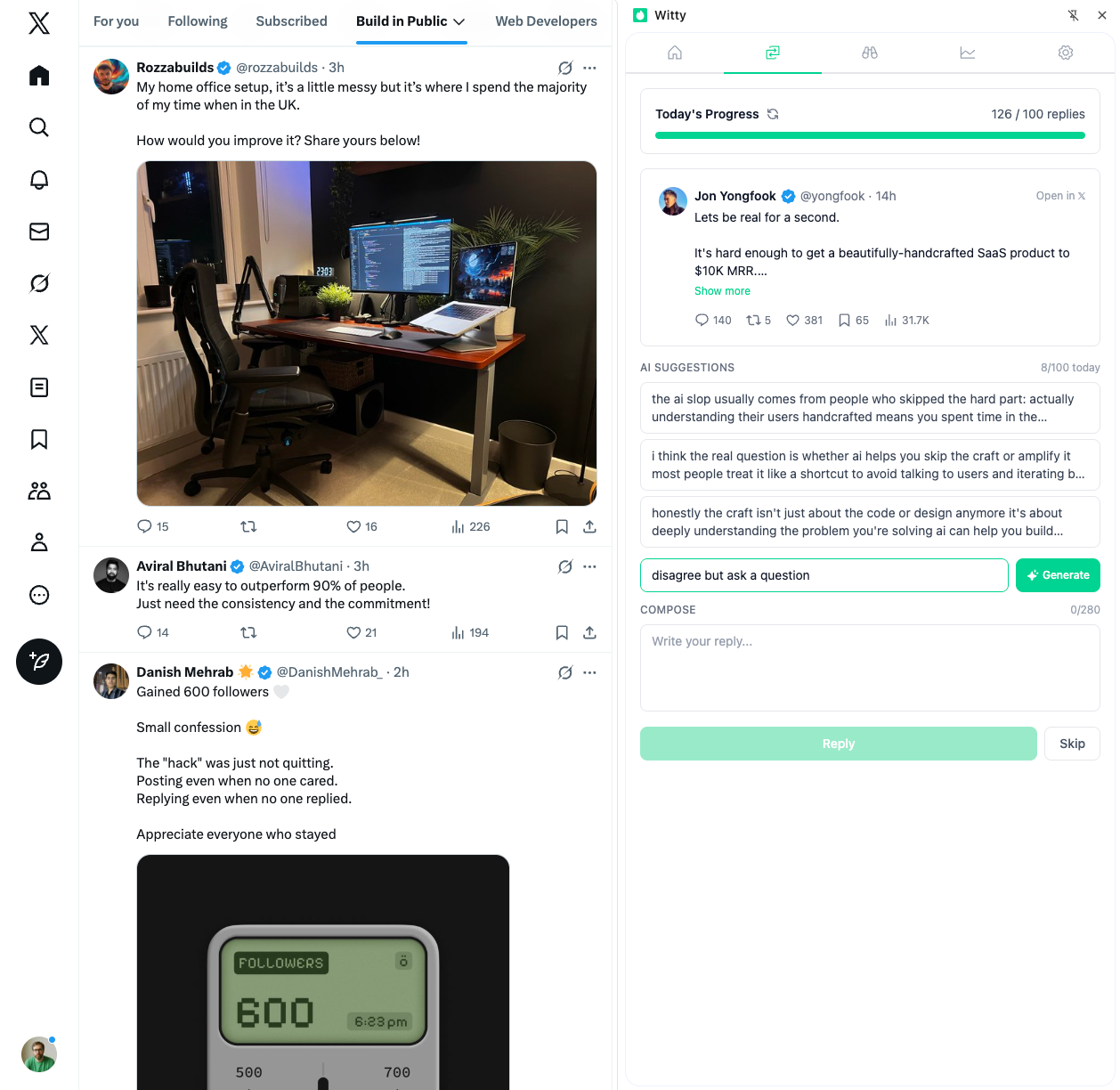
Building a Swipe File for Reply Inspiration
Building a Swipe File for Reply Inspiration
Every great reply you've ever written started somewhere. The question is whether you're capturing what works,or letting those insights disappear into the timeline.
A swipe file is a curated collection of high-performing content you can reference for inspiration. It's not about copying,it's about having a library of patterns, structures, and approaches that have proven to work.
The term comes from old-school copywriting, where advertisers would "swipe" successful ad copy to study. Applied to X replies, it transforms random engagement into systematic improvement.
Why Replies Need Their Own Swipe File
Most swipe files focus on posts, but replies have different constraints. You're working within smaller character counts and shorter attention spans. A reply's success depends heavily on the original post. You need to read the room before jumping in. You're often replying in real-time, without hours to craft.
These constraints make replies harder to create from scratch. A swipe file lets you draw on proven patterns when you're working fast. For the foundational reply frameworks, see anatomy of a high-value reply.
What to Capture: The Six Reply Categories
1. Hot Takes and Contrarian Views
Replies that challenge conventional wisdom get noticed. Save examples that open with "Unpopular opinion" followed by a contrary position, or "Everyone says X, but here's what's actually happening," or "The problem with [common advice] is..." Track which contrarian angles get engagement versus backlash. The line between thought-provoking and inflammatory is worth studying.
2. Value-Add Replies
These extend the original post with additional insight. They might share personal experience that validates the point, cite data or research that supports the claim, or offer a framework that makes the concept actionable. Look for replies where the commenter adds so much value they get more engagement than responses from the original poster. This is especially powerful when replying to big accounts.
3. Questions That Spark Conversation
Not all questions are equal. Track questions that lead to long reply chains, questions the original poster enthusiastically answers, and questions that other readers pile onto. The best questions often show you've deeply engaged with the content. They're specific, not generic.
4. Agreement + Amplification
These replies agree with the post while adding unique perspective. Patterns include "This. And I'd add..." or "100%. The part people miss is..." or quoting a key point and adding your own experience. This format is low-risk and high-reward. You're validating the creator while showcasing your own knowledge.
5. Story Snippets
Short stories or anecdotes that illustrate the post's point work remarkably well. Patterns include "Saw this exact thing happen when..." or "Reminds me of when [brief story]..." or "My [role] friend dealt with this by..." Stories are memorable. Save replies where a quick anecdote cut through the noise.
6. Pattern Interrupts
Unexpected angles make people stop scrolling. These include humor that lands (study the timing and setup), unusual formatting that catches the eye, and creative metaphors that reframe the topic. Pattern interrupts are hardest to replicate but worth studying for inspiration.
How to Build Your Swipe File
Step 1: Choose Your Tool
Your swipe file needs to be quick to add to (you'll skip it otherwise), searchable (you need to find things fast), and accessible everywhere (phone, desktop, tablet).
Options include a Notion database with tags and filters, Google Sheets with columns for category, context, and notes, or Apple Notes for quick capture. The tool matters less than consistency. Pick one and commit.
Step 2: Create Your Categories
Organize by reply type: hot takes, value-adds, questions, agreement plus amplification, stories, and pattern interrupts. Also tag by industry or niche, by tone (professional, casual, or humorous), by length (short, medium, or long), and by context (thread replies, single post replies, or quote retweets).
Step 3: Capture Context
Don't just save the reply; save the original post it responded to. Without context, you won't remember why the reply worked. Note what made this reply effective, what the original post was about, how the audience responded, and what you can adapt for your own use.
Step 4: Build the Habit
Set a weekly capture session. Every Friday, review your bookmarks and move the best replies into your swipe file.
Alternatively, build it in real-time: when you see a great reply, immediately save it with a quick note.
The problem isn't lack of ideas,it's lack of reminders and action. Create systems to regularly review and turn captured patterns into practice.
Using Your Swipe File Effectively
The Adaptation Framework
Never copy directly. Instead, extract the pattern:
Original reply: "Unpopular opinion: Cold outreach is dead. The future is warm intros through content."
Pattern extracted: [Controversial declaration] + [Current state] + [Future prediction]
Your version: "Unpopular opinion: Viral content is overrated. The real opportunity is in consistent niche replies."
Pre-Reply Routine
Before engaging on a major account, check your swipe file. Consider the post's tone and find matching examples. Determine what category of reply fits, whether questions, value-adds, or something else. Review what patterns have worked in this niche. This takes 30 seconds and dramatically improves reply quality. Combine this with a daily engagement system for maximum impact.
The Remix Method
Take two successful patterns and combine them. A hot take plus a story snippet. A question plus a value-add. Agreement plus a pattern interrupt. Remixing creates novelty while maintaining proven structure.
What Not to Do
Don't hoard without using. A swipe file that grows but never gets referenced is just digital clutter. Schedule weekly reviews.
Don't copy verbatim. This is obvious but worth stating. Swipe files are for patterns, not plagiarism.
Don't save mediocre examples. Quality over quantity. Only capture replies that genuinely impressed you.
Don't forget to update. What worked a year ago might feel stale today. Regularly archive outdated examples.
The Compound Effect
Here's what happens when you maintain a swipe file consistently:
Month 1: You have 20-30 examples. Helpful but limited.
Month 3: You have 100+ examples. You start seeing patterns across niches.
Month 6: You have 200+ categorized examples. You can find the right approach for any situation in under a minute.
Month 12: Your brain has internalized the patterns. You write better replies instinctively.
The swipe file trains your intuition. Eventually, you don't need to check it,the patterns become automatic.
Starting Your Collection Today
Don't wait for the perfect system. Start now by creating a note titled "Reply Swipe File." Save three replies you saw recently that impressed you. Note why each one worked. Set a reminder to add three more next week. That's it. Twenty minutes of setup, five minutes of weekly maintenance.
Over time, you'll have a personalized playbook that makes engaging on X feel less like guessing and more like drawing from a tested library of approaches. For help finding tweets worth replying to, check the companion guide.
The best reply you write tomorrow might be inspired by something you captured today. Start building.
Related Articles

Building a Personal Brand That Outlasts Algorithms
Algorithms change constantly. Platform priorities shift. Tactics that worked last year fail today. The accounts that survive these disruptions share one trait: they're built on something more durable than current algorithmic preferences. Here's how to build that foundation.
6 min read
Building a Daily Reply Habit That Actually Sticks
The 21-day habit myth came from a plastic surgeon's observations about appearance adjustment, not habit research. Actual formation takes 59-66 days on average. Leaders who started with minimal viable habits were 2.7x more likely to maintain them long-term. Here's how to build a reply habit that survives contact with real life.
8 min read
Building a Personal Knowledge Base From X
You bookmark an incredible thread on pricing strategy. Three months later you need pricing advice. You can't find the thread. You start from scratch. The average knowledge worker spends 19% of their workweek searching for information. A proper capture system reclaims that time.
8 min readYou've done the learning. Now put it into action.
Witty finds tweets worth replying to and helps you craft responses in seconds. Grow your audience without the grind.
No credit card required.